Shopify Script Tags Stop Working on 1 March 2027: What to Check
Shopify will stop running script tags on storefronts on 1 March 2027. How to find the apps that still use them, what replaces them, and what to fix first.

Shopify has set an end date for script tags. From 1 March 2027 it will stop adding them to storefronts, and any review widget, chat button or tracker that still loads through one will disappear from your store without an error.
Most store owners have never heard the term, because script tags are created by apps, not by you. That is why this one is easy to miss.
What a script tag is
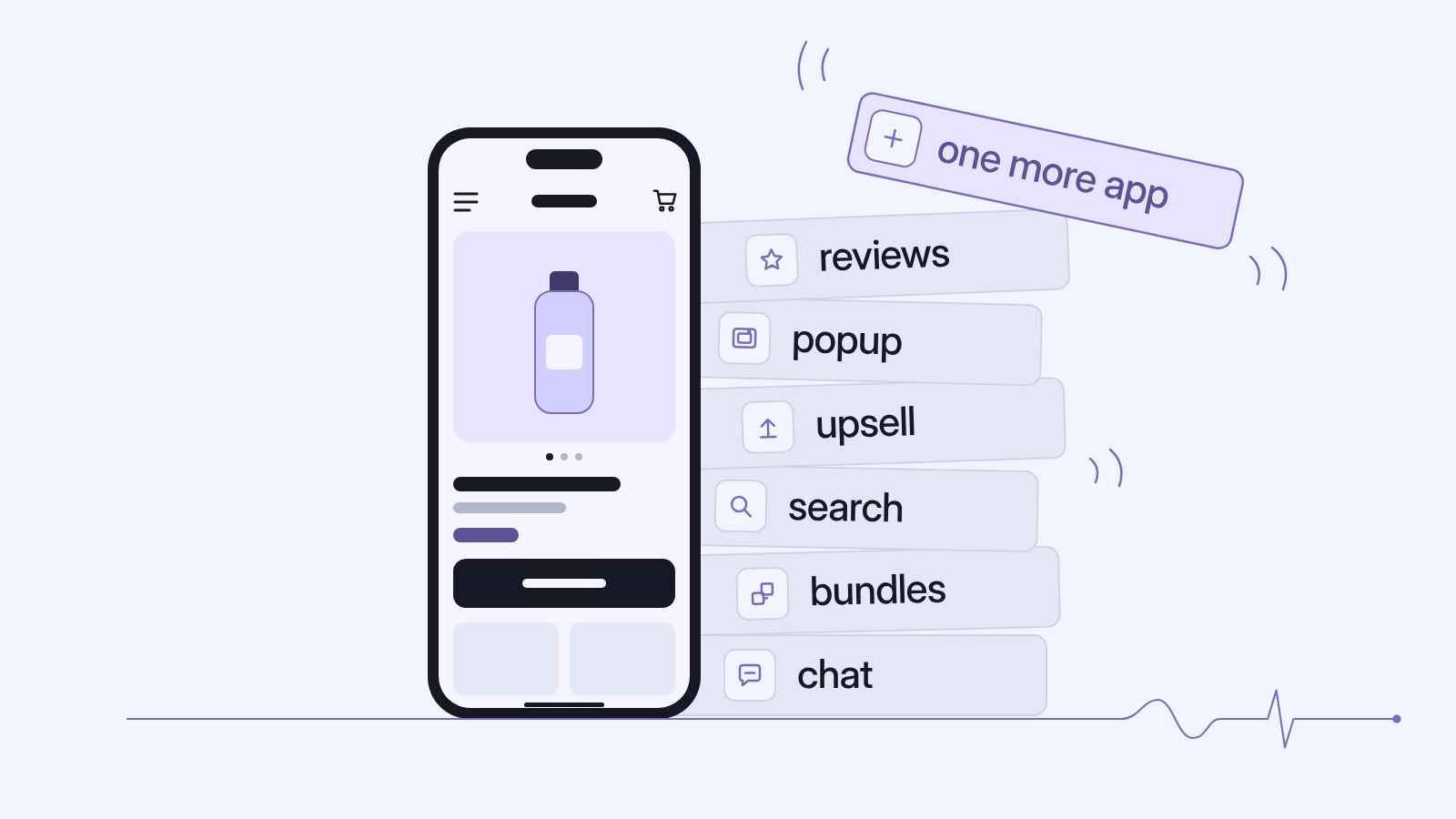
A script tag is the old way for an app to put JavaScript on your storefront. The app registers a script URL with Shopify, and Shopify adds it to every page. Before theme app extensions existed, review widgets, upsell pop-ups, chat buttons, loyalty badges and tracking pixels were often installed this way.
The dates
| Date | What happens |
|---|---|
| 1 February 2025 | Apps can no longer create script tags for the Order status page |
| 28 August 2025 | Script tags stop running on the Order status page for Plus stores |
| 26 August 2026 | Script tags stop running on the Order status page for all other stores |
| 1 October 2026 | Apps can no longer create or update script tags; existing ones keep running |
| 1 March 2027 | Shopify stops adding script tags to storefronts |
Only the last date is still ahead. Shopify's changelog also says the deprecation "applies to all API versions, including older ones, so pinning won't defer it." An app cannot keep its script tag alive by staying on an old API version.
Who is affected
Stores running apps that were built before theme app extensions and never updated. Custom apps made in the Shopify admin are a special case: Shopify's docs say they can't use app extensions at all, so any storefront script they add needs a new home, usually the theme code.
Store audits often turn up script tags left behind by apps that were uninstalled years ago. Those will stop loading, which does no harm. The ones to worry about belong to apps you still pay for.
How to check your store
- List the apps that touch your storefront: reviews, pop-ups, chat, loyalty, tracking, currency and upsells.
- Open Online Store > Themes > Customize and look at App embeds in the left sidebar. Apps that use app embed blocks appear there with a toggle. If an app you rely on is listed and switched on, it has probably moved already.
- For apps that aren't listed, ask the developer: "Does your app use script tags on the storefront, and when will you move to an app embed block?" A clear answer with a date is a good sign.
- A developer can list every script tag on the store with the
scriptTagsquery in the Admin GraphQL API, which still works, and match each script URL to an app.
What replaces it
Shopify offers two replacements:
- App embed blocks, shipped in a theme app extension, for anything that shows on the page. You switch them on in the theme editor.
- Web pixels, for scripts that only collect analytics or conversion data. These need no action from the merchant.
Both are easier to live with. An app embed can be switched off without touching theme code, and web pixels run in a sandbox, apart from the page.
Watch for one problem during the switch. Shopify warns that a script tag and its replacement running at the same time will load the script twice. If reviews appear twice, or a pixel sends two purchase events for one order, that is the usual cause.
What to do before March
- Many stores freeze code changes through the festive and year-end sales, so plan the work for January and February.
- Collect the app list and the developers' answers now, while there is time to replace an app whose developer has no plan.
- Move tracking code that was pasted into an app or a custom app into a custom pixel under Settings > Customer events.
- Test each change on a duplicate theme, then check purchase events in your analytics before publishing.
If you'd like us to do the audit, our Shopify development team can list every script on your store and what should replace it. The Shopify app audit we run before rebuilds covers the same ground, and removing dead scripts usually helps the speed of the store as well.