COD Orders Are Teaching Your Meta Ads to Find the Wrong Buyers
Meta counts a cash on delivery order as a purchase the moment it is placed, even if the parcel comes back. How to send Meta delivered orders instead, using the Conversions API, and what to watch when you switch.
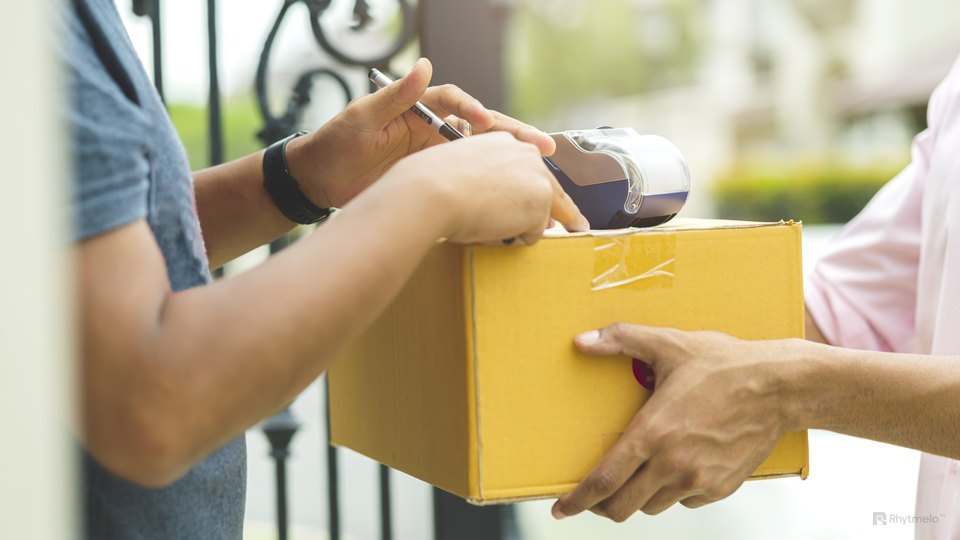
On most Indian Shopify stores, Meta receives a Purchase event the moment a cash on delivery order is placed. The customer may ignore the confirmation call, give half an address or refuse the parcel at the door, but Meta has already counted a sale. Its campaigns then look for more people like that customer.
Meta, Shopify and your courier dashboard end up describing three different businesses. Only one of them is paying the return shipping.
Why it happens
Meta's algorithm learns from the events you send. A Purchase from a buyer who later refuses the parcel teaches it the same lesson as one from a buyer who paid. If a large share of your COD orders come back, a large share of what Meta learns from is wrong, and your reported cost per purchase looks better than your real cost per delivered order.
The fix: tell Meta about deliveries, not orders
The approach that works is to send Meta two kinds of signal:
- Prepaid orders as Purchase at checkout, as now. The money is already collected.
- COD orders as an event when the parcel is delivered, sent from your server through Meta's Conversions API using the delivery status from your shipping platform.
You then optimise campaigns on prepaid purchases plus delivered COD orders.
The details that decide whether it works
Stop the browser event for COD orders. Meta deduplicates a browser event and a server event only when they share an event ID and arrive within 48 hours of each other. A delivery that happens four days later won't be merged with the Purchase your pixel sent at checkout, so you'd count the order twice. The checkout pixel has to skip COD orders, which a custom pixel in Shopify's Customer events can do by checking the payment method.
Mind the 7-day limit. Meta rejects an event whose time is more than 7 days in the past, and if one event in a request is too old, Meta drops the whole request. Use the delivery time as the event time and send it promptly, so a delayed sync doesn't throw away a batch.
Choose how Meta sees the event. You can send delivered COD orders as a custom event and build a custom conversion on it to optimise against. Meta's docs note that since September 2025 some custom conversions can be restricted, so check that yours shows as available before moving budget onto it.
Send the order value. Include the value and currency so value-based bidding still works.
What to expect when you switch
- Fewer events. Meta will see fewer conversions, and they will arrive days later. Learning slows down, so try it on one campaign before moving everything.
- Higher reported cost per conversion. That number was too low before. Judge the change by cost per delivered order and by RTO rate, not by what Ads Manager shows in the first week.
- Better buyers over time, if the change is working: fewer refusals from the audiences Meta finds.
Fix the orders too
Better signals don't stop bad orders on their own. Confirming COD orders on WhatsApp, asking for a small advance on risky pincodes and nudging COD buyers to prepay all cut RTO directly. Our cash on delivery guide covers those, and the WhatsApp commerce piece covers the messaging side.
If you want this set up on your store, our Meta and WhatsApp commerce team wires the pixel, the Conversions API and the delivery feed together.